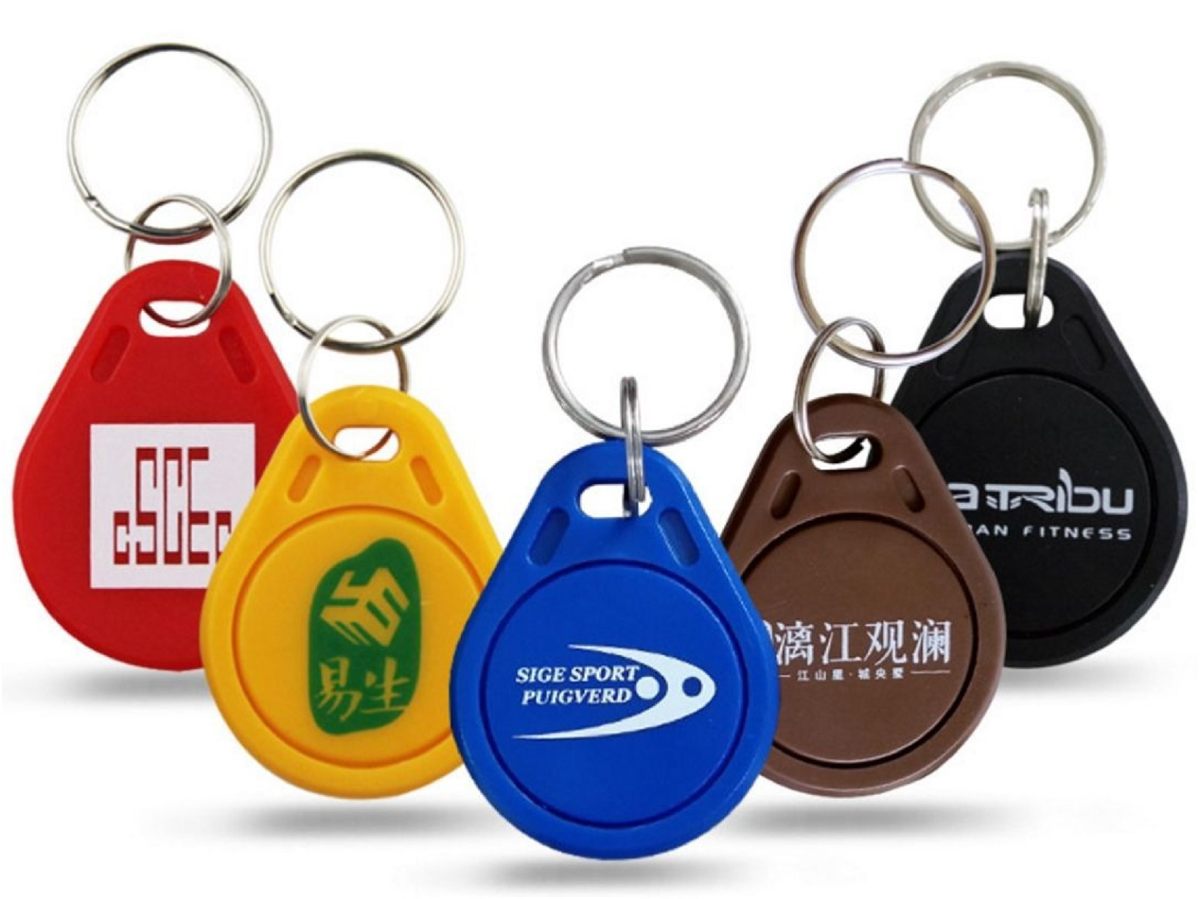
What is a Fob Key?
Keyless entry in the palm of your hand
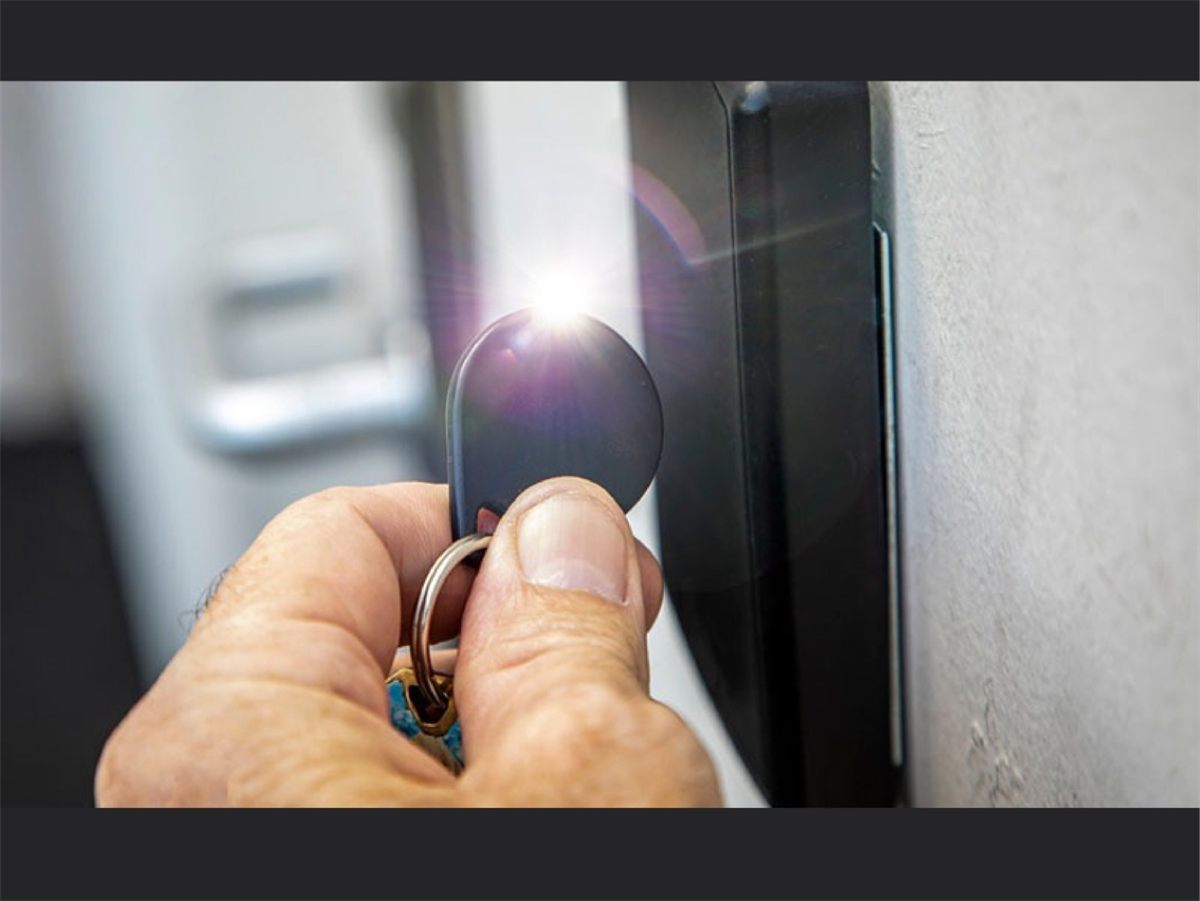
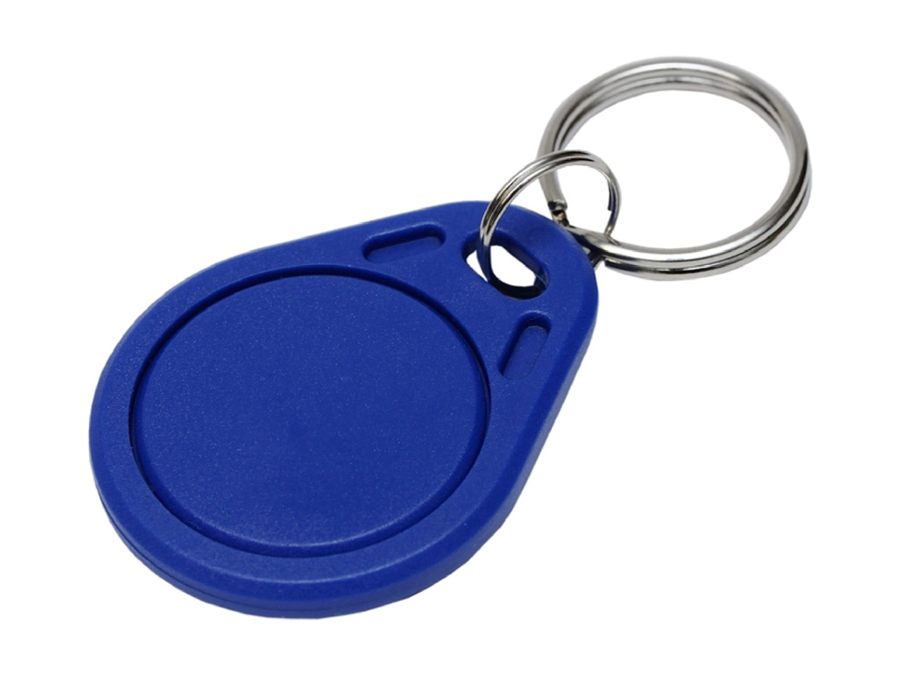
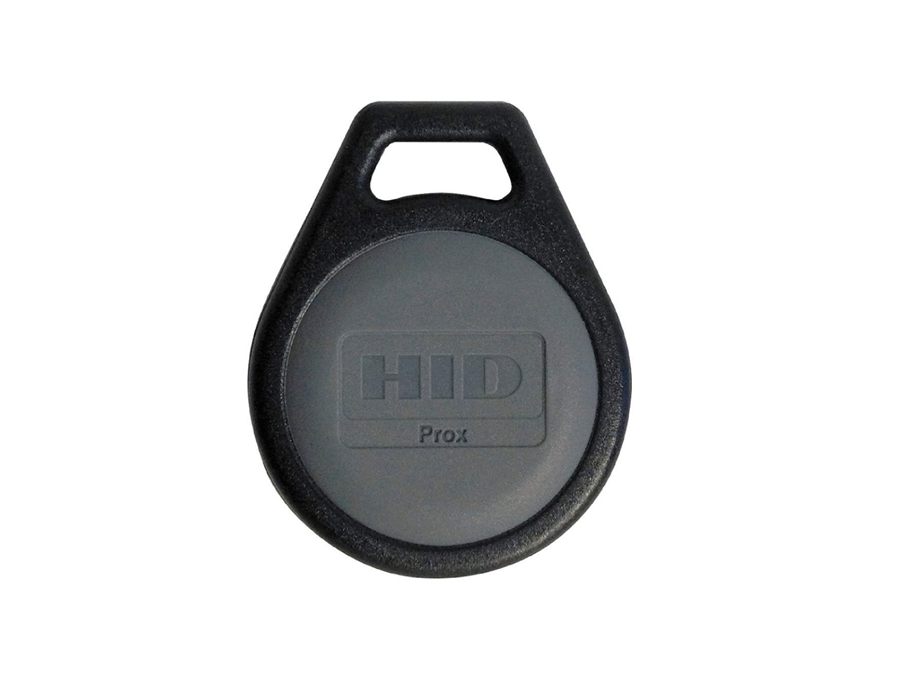
A key fob is a small, hand-held electronic device that identifies you to a lock or reader. Instead of a cut metal blade it holds a tiny microchip and an antenna. When it is held near a reader - or, for a remote, when you press its button - it sends a short radio signal that the system checks against a list of approved fobs.
There are two main families. Passive proximity fobs, used for flats, offices, gyms and gates, have no battery: the reader's own radio field powers the chip for a fraction of a second. Active remote fobs, such as car remotes and garage-door openers, contain a battery and a button and send an encrypted signal over a longer distance.
Because a fob can be switched off at the system, a lost fob is simply cancelled and replaced. There is no need to change the locks.
Fob Key at a glance
- Typical security: Standard to high (depends on the chip)
- Type: Electronic (RFID / radio)
- Power: None (passive) or a small coin battery (remote)
- Range: A few centimetres (proximity) to tens of metres (remote)
- Common frequencies: 125 kHz, 13.56 MHz, 433 / 868 MHz
- Lost fob: Can be cancelled on the system
- Made by: Programming or enrolment, not cutting
Inside the lock
How does it work?
The reader makes a radio field
The reader, fitted next to the door, continuously gives off a weak radio field. Typical access fobs work at 125 kHz (low frequency) or 13.56 MHz (high frequency, for example MIFARE).
The fob answers
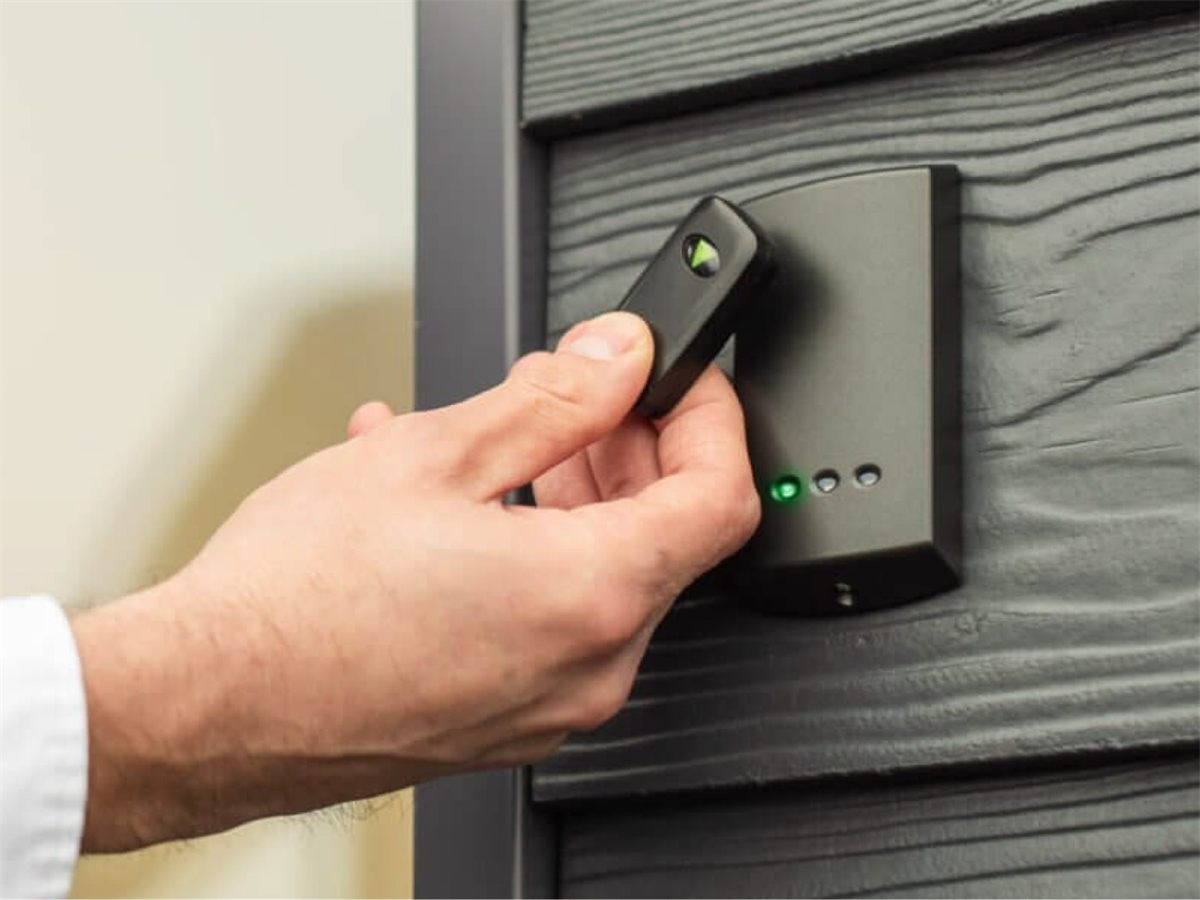
When the fob comes within a few centimetres, its antenna coil picks up energy from that field, wakes the chip and sends back the fob's unique ID number.
The system decides
The door controller compares the ID with its list of authorised fobs, along with any time or door restrictions, and then releases the lock or keeps it shut. Every attempt can be logged.
Remote fobs add a battery
Car, gate and garage remotes send their signal on their own battery power, typically in the 433 MHz or 868 MHz bands in the UK and Europe, using a 'rolling code' that changes every press so a recorded signal cannot simply be replayed.
In the workshop
How is a fob set up or copied?
A fob is not cut - it is programmed. What that involves depends on the type of fob and the system it belongs to.
Identify the technology
First we identify the type of fob: 125 kHz, 13.56 MHz, remote or car transponder. This decides whether a copy is possible at all.
Enrol it on the system
For access control, a new fob's ID is added to the door controller or software by the system administrator, often using an 'enrol' mode or master card. It can be limited to certain doors and times.
Copy where it is allowed
Some simple 125 kHz fobs can be copied onto a rewritable blank fob with a programmer. More secure 13.56 MHz fobs use encrypted data and have to be enrolled on the system rather than cloned. Copies should only be made for people who are authorised to hold one; in managed buildings that normally means the managing agent's approval.
Test and record
The new fob is tested at the reader. Keep a note of who holds which fob so that a lost one can be cancelled straight away.
Vehicle remotes
Car remotes and transponder keys are paired to the vehicle's immobiliser using specialist diagnostic equipment, which is a separate step from cutting any metal blade.
Uses
Where you will find it
Blocks of flats and communal entrances
Offices, gyms and shared workspaces
Car-park barriers, gates and garage doors
Cars: remote central locking and keyless entry
Student accommodation and hotels
The honest picture
Good to know
Strengths
- Quick and convenient: tap or press and go
- A lost fob can be cancelled without changing any locks
- Access can be limited to certain doors and times
- Entry logs show who used which door, and when
- No metal blade to wear out, and sealed designs resist knocks and water
Worth knowing
- Simple 125 kHz fobs have a fixed ID and can be copied, so they suit lower-risk doors
- Encrypted 13.56 MHz fobs give much better protection against copying
- Remote fobs need a fresh battery from time to time
- A fob only works with the system it is enrolled on
Common types and formats
- EM4100-type 125 kHz: the long-standing, read-only proximity format
- MIFARE and other 13.56 MHz fobs (ISO/IEC 14443): rewritable and available with encryption
- Rolling-code remotes: used for cars, gates and garage doors
Gallery
Fob Key in pictures
F.A.Q
Frequently asked questions
-
Can a lost fob be cancelled?
Yes. On most access systems the fob's ID is deleted or disabled in the controller and it stops working immediately. That is the main security advantage over a metal key.
-
Can you copy any fob?
No. Many 125 kHz fobs can be duplicated, but encrypted 13.56 MHz fobs and car keys are tied to a specific system and need the right equipment or authorisation. Bring yours in and we will tell you what is possible.
-
Is a fob more secure than a metal key?
It can be, because it can be cancelled and every use can be logged. But the real level of security depends on the chip type and the system behind it, so it is worth choosing the right fob for the door.
-
Why has my fob stopped working?
For a remote fob, a flat battery is the most common cause. For an access fob, check that it has not been disabled on the system and that the chip has not been damaged by bending, crushing or water.
Quote
Request a quote for a Fob Key
Location:
Keys Master, 159 Queens Road, Peckham, London SE15 2ND
Email:
Call:
Keep exploring
Other keys